
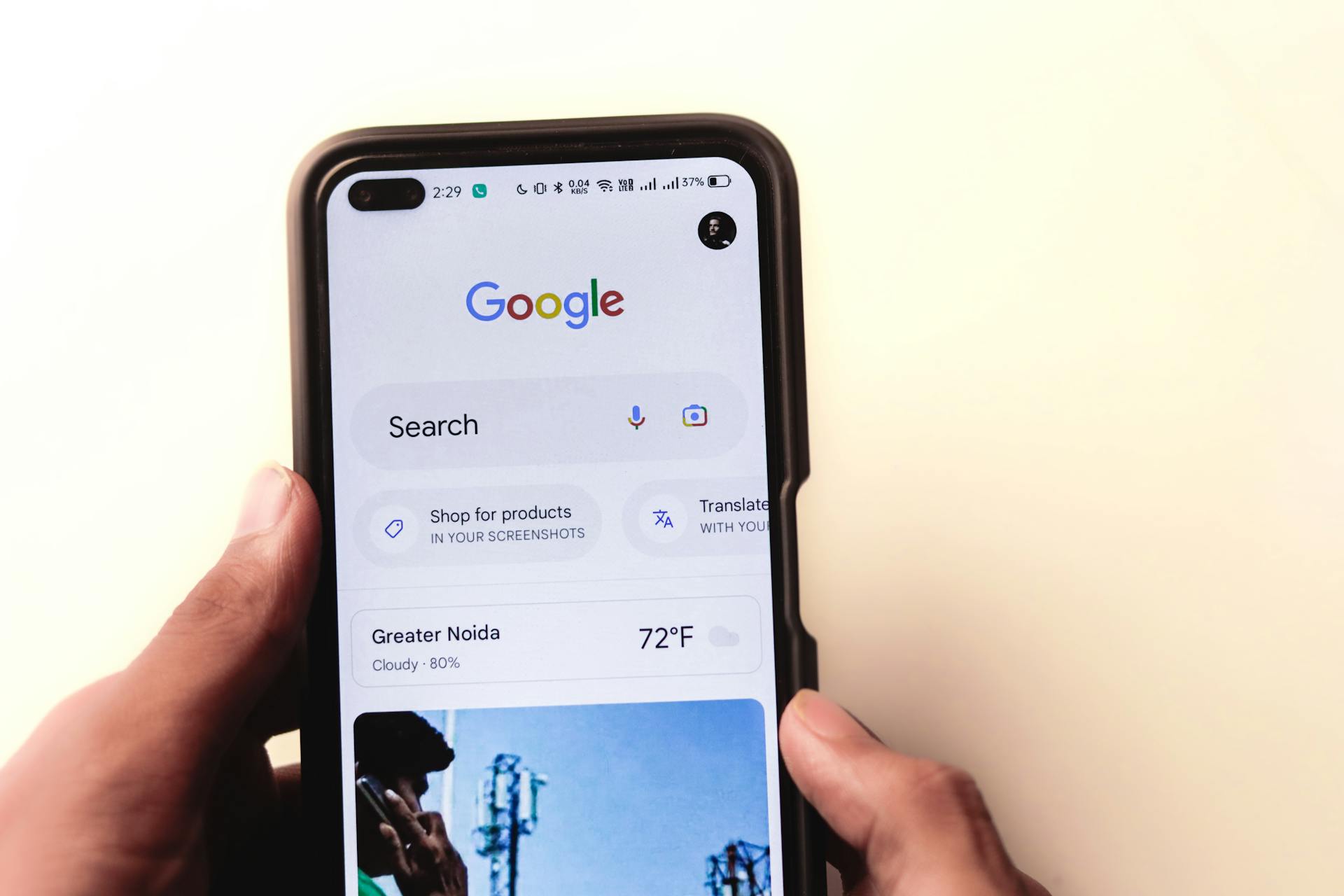
Mobile is the place where most of the content is now being consumed. What it means for your E Commerce business is that a lot of signups and purchase decisions are going to made while the user watches their mobile while lying on the bed or watching videos on it.
You may not be able to use the design that you use for your Desktop based E commerce website on mobile. Yes, with responsive design , you can definitely make the needed changes but mobile themes are to be carefully thought as themes designed for another device different in league from desktops.
Here , I list a few things, I have personally felt that can be done to mobile themes which make the users not click away.
Yes, use the responsive design
It is possible that your target audience does not use the same resolution as your desktop. Maybe they are surfing your site from a tablet, a laptop with different resolution or simply a mobile. Without using a responsive design, which takes into account these parameters, you would see non responsive website, often overflowing the screen space and the buttons and links gone haywire.
The idea is to define the size buckets based on the trends in the screen categories and refine your theme’s styles based on common minimum features for that bucket.
That means you will have to let go of some of your buttons that you see on a large screen and often club them together under a menu box. Also you will need to ensure that there are no horizontal scroll bars that take the screens out of the screen area.
Optimize your images
It is quite a possibility that your viewer is not only using a mobile to view your website but also they are on a patchy connection because they are sitting in a remote corner where internet services are slow.
In that case, you may not want to serve them the images that are so large that loading your website becomes only an endless wait forever.
So the images not only have to be optimized for screen resolutions but also for the fact that they have relatively less size to be easily transferred on a mobile device on a bad connection.
Cut down on non-essential items
Yes, you would like to keep all the bells and whistle items that you have on a desktop screen on mobile as well. Unfortunately, they are a big distraction to the mobile user. The digital assistant that keeps cropping up and cannot be closed easily and takes 5-10% of the screen is a big no-no. The user will be distracted to focus on the assistant because it has annoyingly crept in while they do not look at the main offering.
Also , you would like to cram in as much details as possible in the mobile screen as well but remember there is only so much before the user gives up on the product.
I have seen the sites where the offers keep popping up on the screen and they cover about 80% of viewing area. They are a distraction and should be minimized on a mobile screen.
Keep the focus on the main item, reduce the clutter. Try to give your message in words or videos that easy to digest and doesn’t take forever to read.
Testing on variety of devices
Normally we tend to think of the devices that are in our vicinity and we feel good when it works. But remember there are operating systems and then there are many screens running them. Also there are screens with different resolutions.
This makes it difficult to test for all kinds of devices . But there are specific tools and websites that help you test your website as much as possible.
One example would be Chrome Extension for mobile simulator that imitates multiple devices.
One tip is to find out the most used devices on the vendor website and test for them. Automation in testing may need some budgeting but generally pays in the end with a good usable website /
Photo by Sanket Mishra:
Leave a Reply